

I Can't Access My Content
Table of Contents:
Can't Find Content
If you can't find your content on Curios, please first go to "Library" to see if the content is there.
Important: Make sure you are logged in to curios.com with the exact same email that you used to buy the original item. Your email is your login to Curios, using a new or different email will mean your content will appear missing as it is held in under a different email address.

If you are already logged in, you should see your name when you click on the menu.

Once logged in, click the Library button in the Menu. This should hold any content you claimed or purchased.

Additionally you can click on the Library "drawer" to the right of the page. This will quickly open any recently purchased content.
How Do I Read, Listen, or Watch my content?
If you can see the content in your library you should be a few steps away from enjoying your content.
Once in your library you should see anything you have bought or claimed listed there. To access the content, you can click the "Access Content" button, or the Title/Image of the item.

From this page you can enjoy the content right there on the website, or for a better overall experience, we recommend downloading the Curios app to consume the content there.
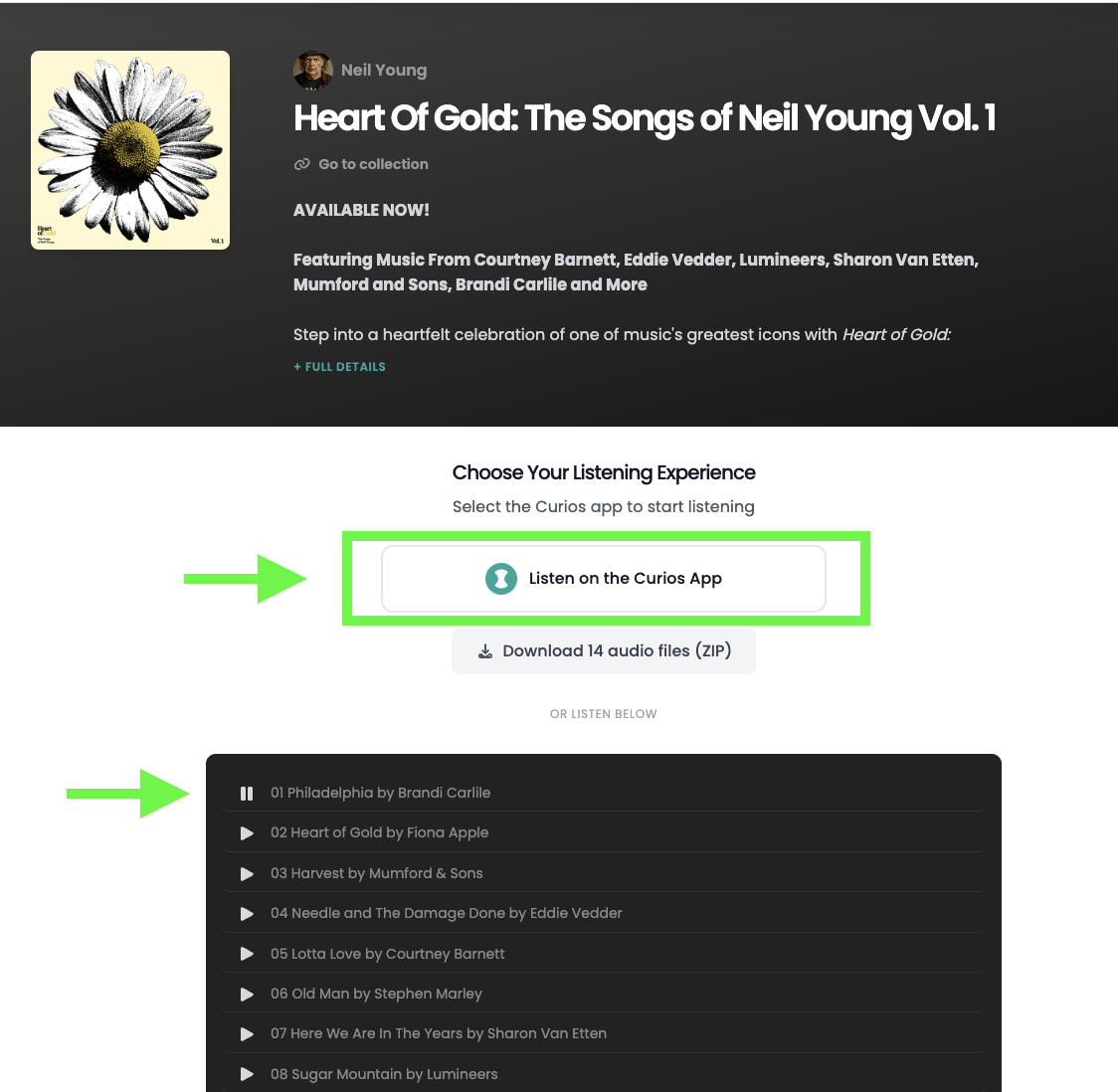
Note: Ebooks work a little differently as your item is able to be sent to your e-reader, please see the specific instructions on sending your books here: curios.com/help and click the "Send My Books to my e-reader"
Here is an example of what ebook access would look like:
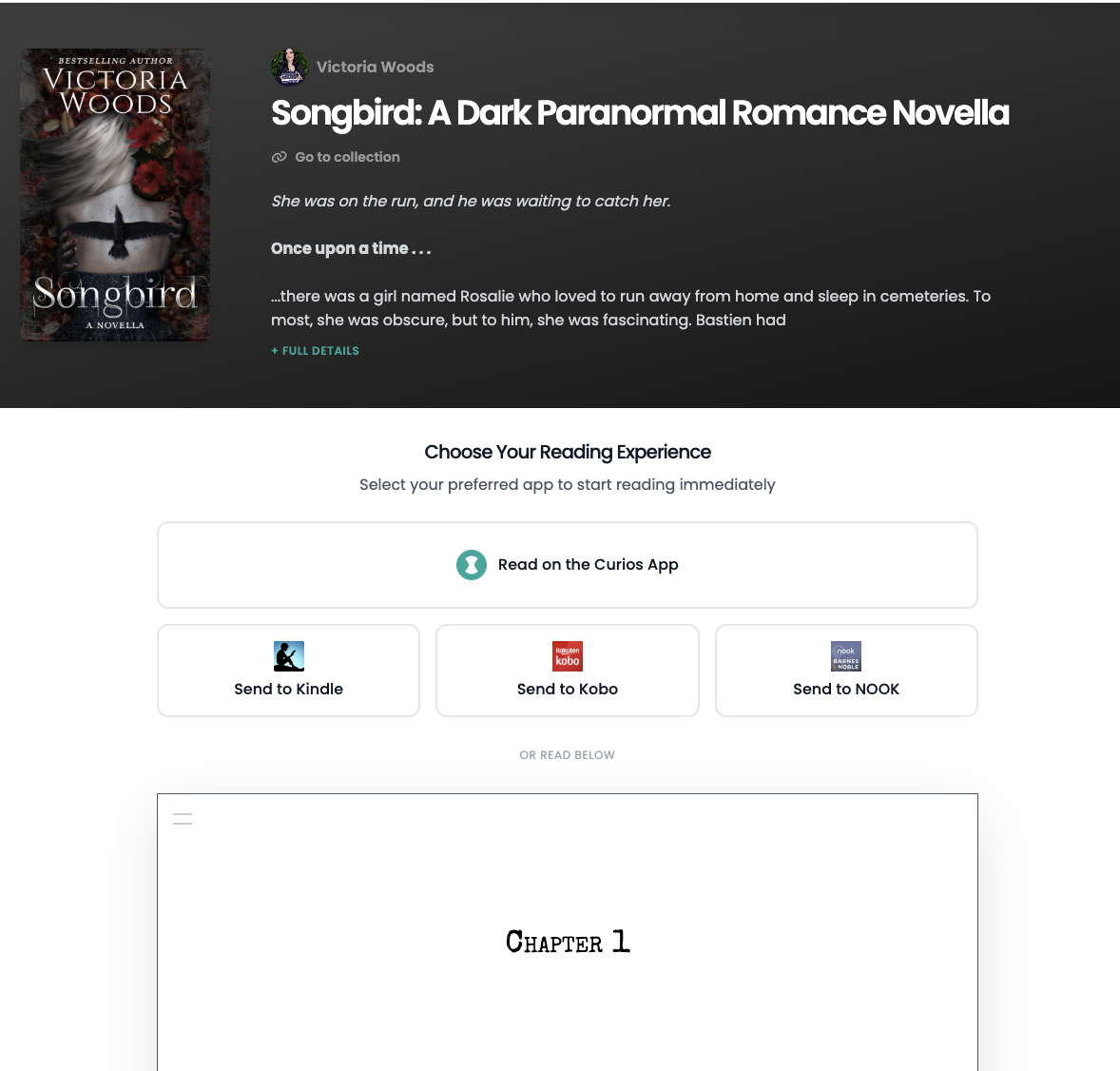
Tip: Generally speaking the Curios app is the best place to consume your content. There you can download the files for offline access, you get placeholding for ebooks and audiobooks and videos and a host of other amazing features.
Still Need Help?
If you're still having trouble accessing your content after following these steps, our support team is here to help.
Contact Support